

Why do developers need ModelRiver?
In this short founders’ note, we want to answer that clearly and honestly.
We are both technical founders - or simply put, developers who love building tools and staying close to emerging technologies. ModelRiver was not born out of a business plan or market gap spreadsheet. It was built out of real frustration we faced while shipping AI-powered products in production.
If you already know what ModelRiver does, you can quickly get started with the documentation here.
If not, let’s go back to where it all started.
The origin
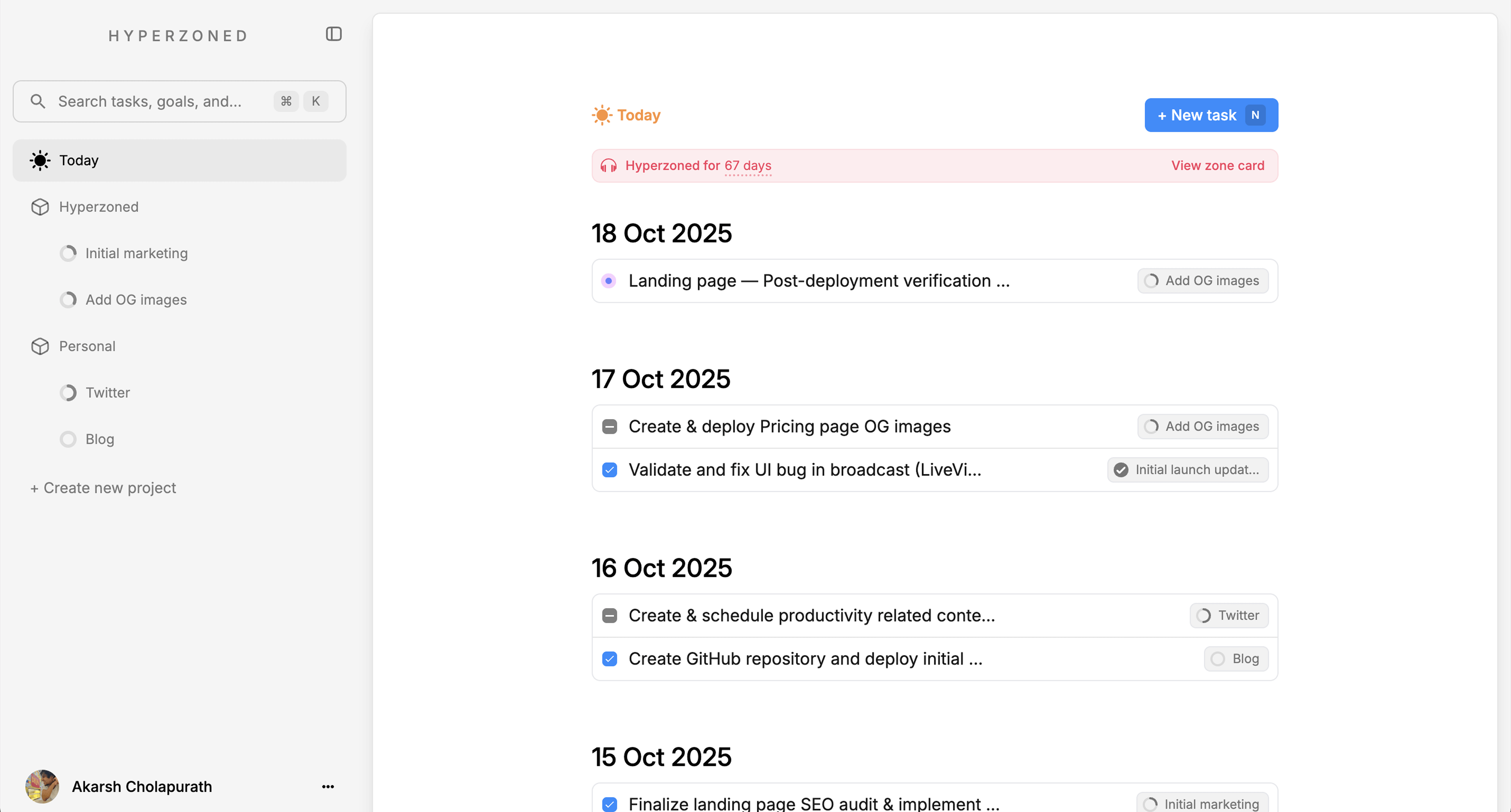
I’m Akarsh. While building another product called Hyperzoned — a lightweight task manager and to-do app with AI-assisted task creation - I ran into several recurring problems when integrating AI into a real application.
Hyperzoned was a solo project. The core flow was simple: one prompt generates tasks using AI. But under the hood, things got complicated quickly.
If an AI request failed, it would retry the same model again. I was using Phoenix (Elixir), which has excellent fault-tolerance through the BEAM VM’s “let it crash” philosophy, combined with persistent background jobs using Oban. To improve reliability, I wrote custom logic to failover between models when one provider went down.
That’s when another problem became obvious: every AI provider expects slightly different inputs and returns different response formats. Getting consistent, structured output across providers required a lot of glue code.
On top of that, Hyperzoned needed to be real-time. Users should see AI-generated content instantly, without refreshing the page. Phoenix LiveView and WebSockets made this possible with minimal infrastructure, and it showed me how powerful a backend pipeline, real-time backend could be.
That experience made one thing clear: the infrastructure around AI mattered just as much as the AI models themselves.
I shared this idea with my friend Vishal, who has deep backend and database experience. We decided to prototype a system that we ourselves would want to use.
The 8-day prototype
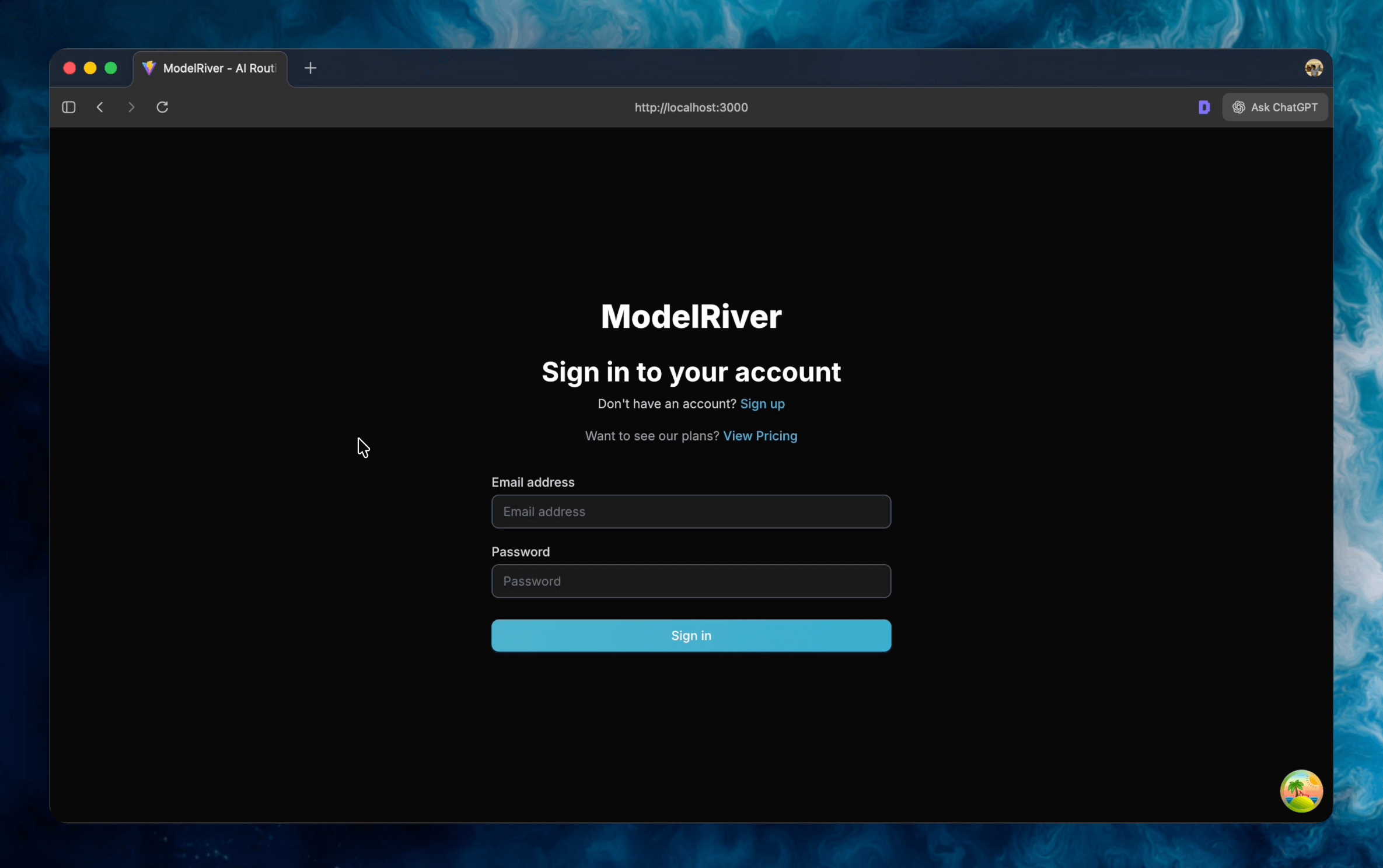
With a clear architectural direction, we started building what would later become ModelRiver in the first week of December 2025.
Within the first four days, we had a working prototype with basic functionality. It wasn’t perfect, but it worked. We tested it locally with a small project, iterated quickly, and used tools like Claude Code, Codex, and Cursor to speed up experimentation and architectural decisions.
We deployed the prototype to a small Hetzner server as a staging environment. While it worked well locally, it became obvious that the developer experience in staging and production was lacking.
For example:
-
Webhooks couldn’t easily reach localhost without tools like Ngrok.
-
Developers integrating streaming had to write their own WebSocket logic from scratch.
-
Observability was limited when debugging real-world failures.
The product worked, but it wasn’t pleasant to use.
That’s when we decided not to ship something “good enough,” but instead build the AI infrastructure we wished existed.
Developer experience first
Client SDKs
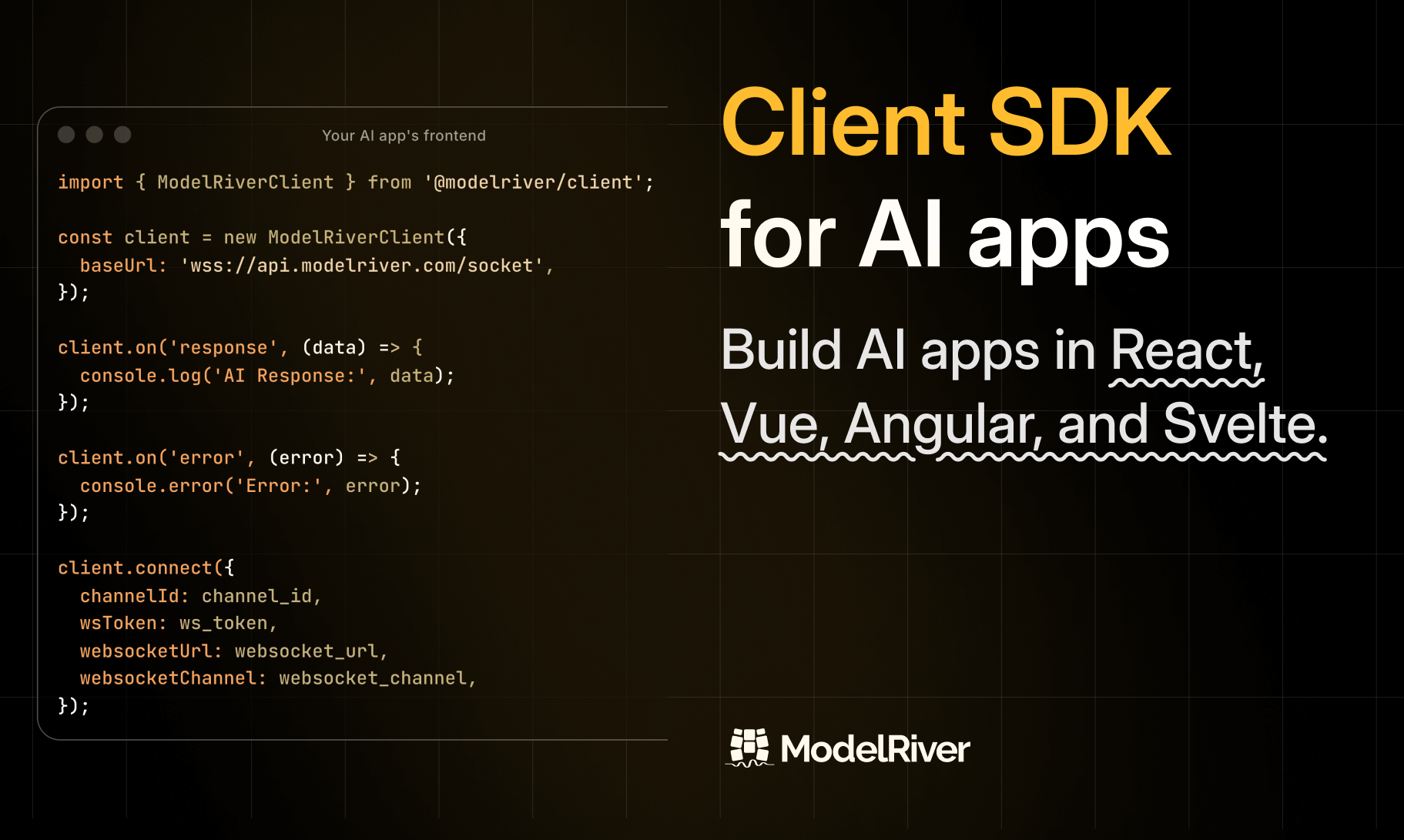
The first major improvement was building Client SDKs for popular frameworks like React, Vue, Angular, Svelte, and also vanilla JavaScript.
These SDKs handle:
-
Auto-reconnection
-
Persistent connections across page reloads
-
Streaming updates over WebSockets
Developers shouldn’t have to re-implement this logic every time they build an AI-powered interface.
CLI for local development
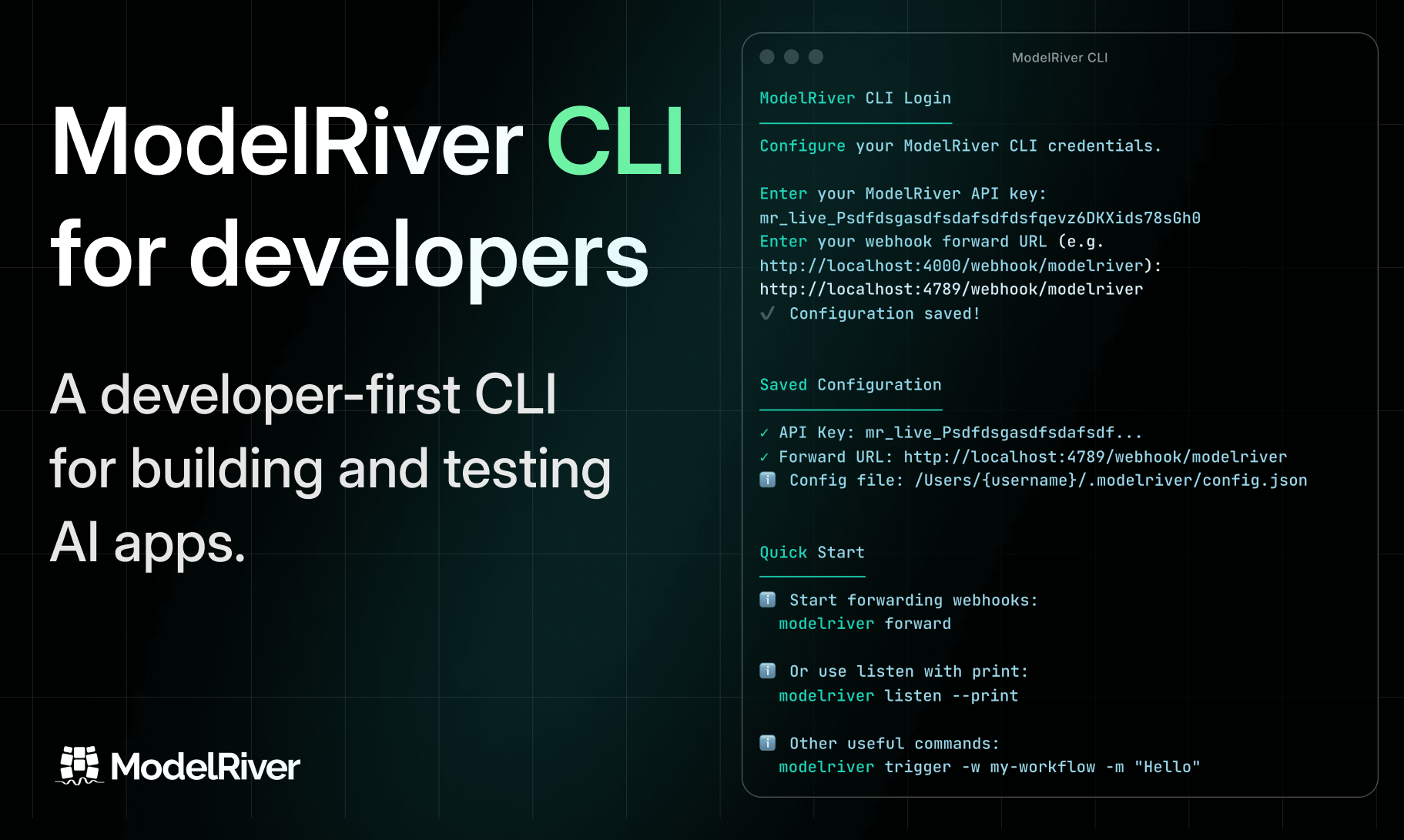
To improve local development, we built a ModelRiver CLI.
It allows developers to receive webhooks directly in their local environment over WebSockets, without relying on tunneling services. You can test real workflows locally using your ModelRiver API key, just like you would in production.
Observability and debugging
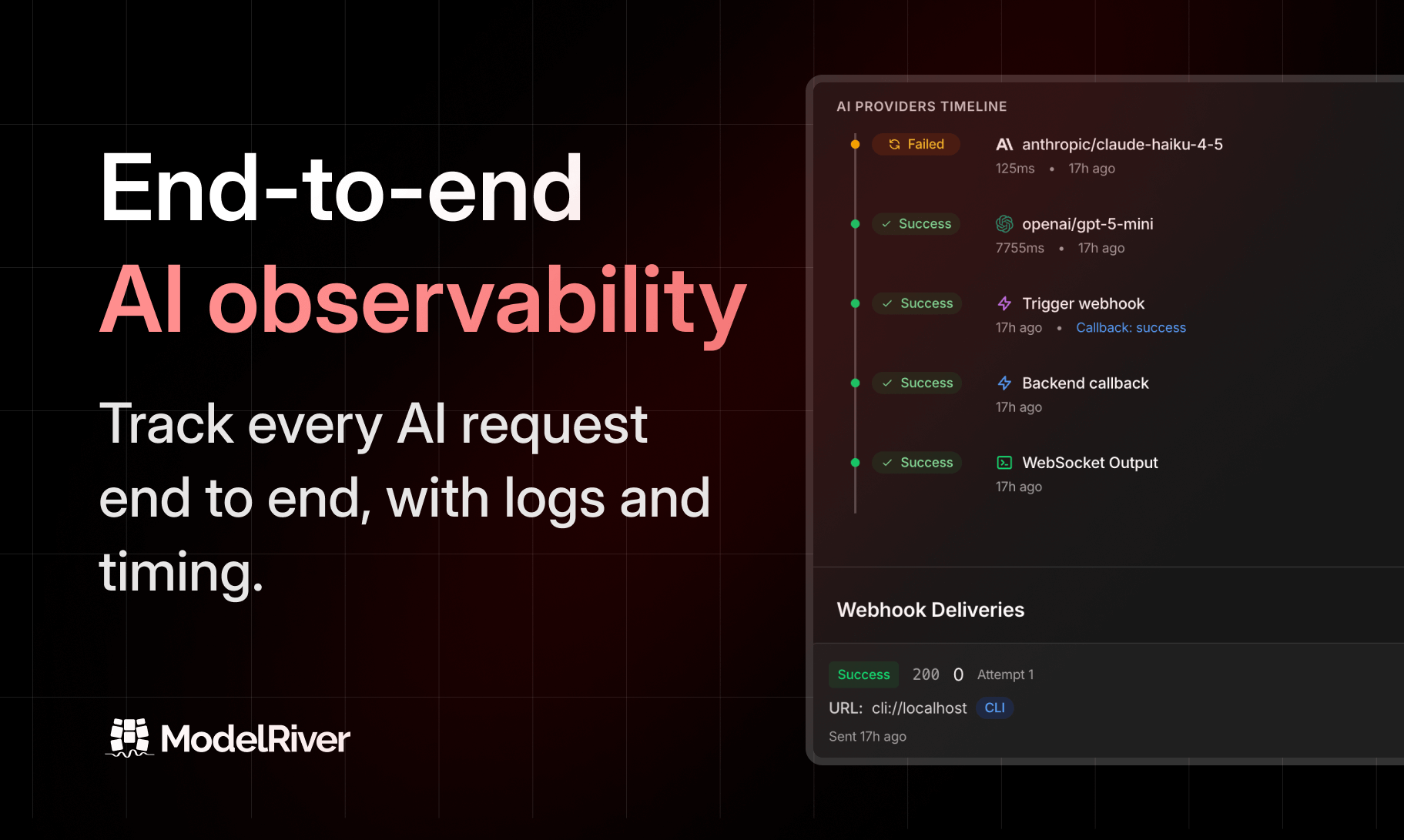
As developers, we know how painful debugging distributed systems can be.
We redesigned our observability layer to track the entire lifecycle of a request — from the initial API call, through every internal step, and back to the client. Nothing is hidden. When something fails, you can see exactly where and why it failed.
Backend pipeline requests
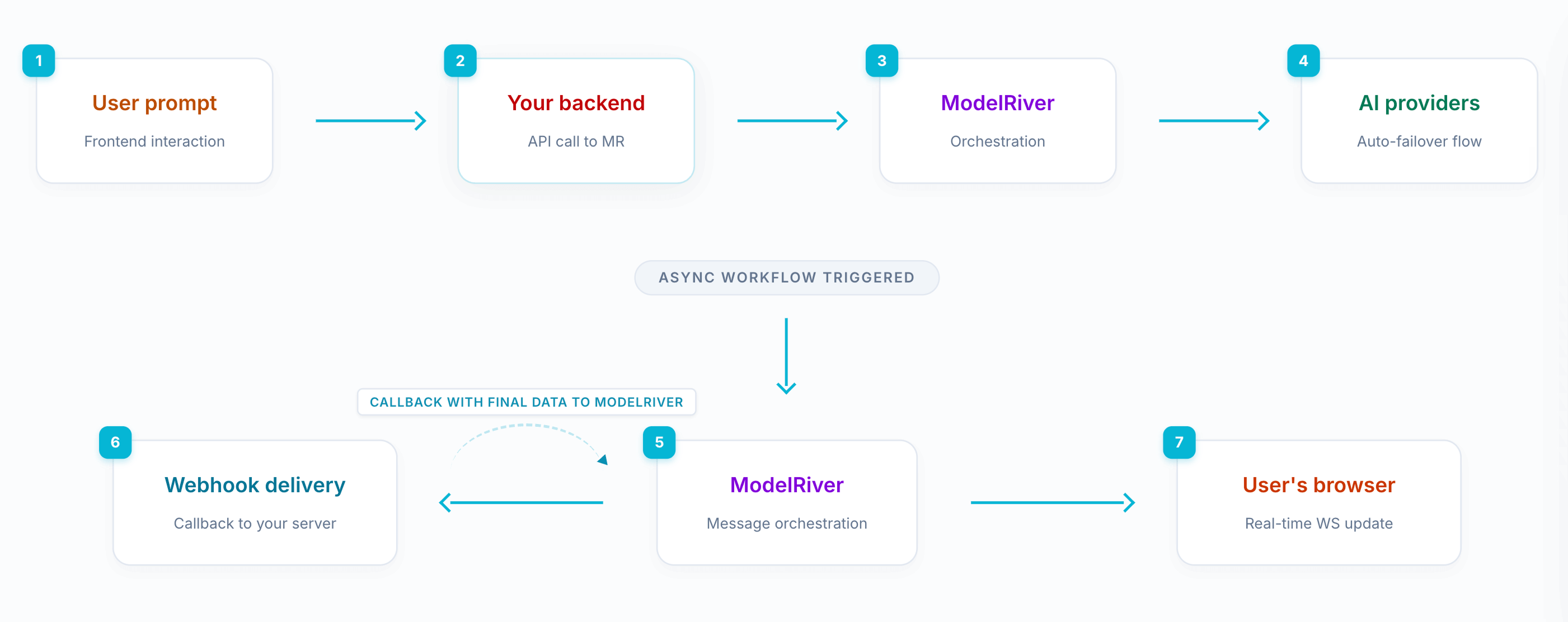
While async requests were already supported, we realized something was missing.
Many applications need to:
-
Receive an AI response
-
Process or store it in their backend
-
Then update the frontend in real time
So we introduced a backend pipeline workflow. Your backend can listen to specific events via webhooks, modify or enrich the data, and send the response back using a callback URL. ModelRiver then streams the updated result live to the frontend.
This makes it easy to build complex, real-time AI workflows without tightly coupling systems.
What’s next?
The foundation we’ve built is strong: reliable infrastructure, real-time streaming, observability, and flexible backend pipeline workflows.
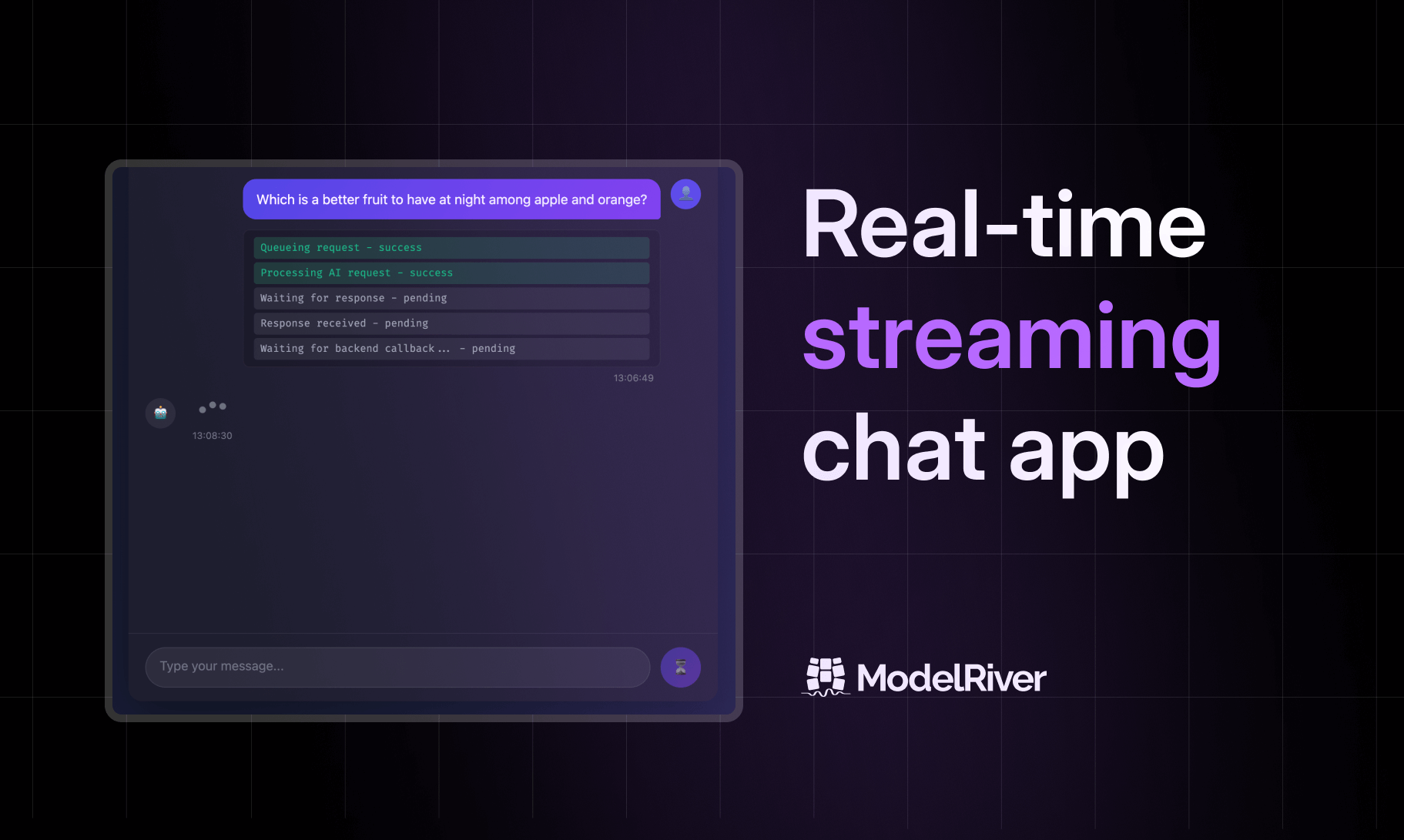
We already provide a complete, production-ready chatbot example with step-by-step documentation on how to integrate ModelRiver. All setup and integration steps are free to use - the only cost involved is your AI provider’s API usage, and you can start with a small, low-cost model. We’ll be sharing guides, updates, and examples like this more often on this blog and across our social channels on X and Instagram, GitHub in the coming weeks.
Beyond this, our current focus is helping developers unlock real use cases with ModelRiver. We’re working on:
-
Video tutorials
-
Visual explainers
-
Public example repositories
-
Deep technical documentation
If you’re building AI-powered products in production, we hope ModelRiver saves you the time and frustration it saved us.